Dates: Tuesday and Thursday, August 18 and 20
Time: 6:00–9:00 PM
Location: Posy Press at the Goat Farm Arts Center
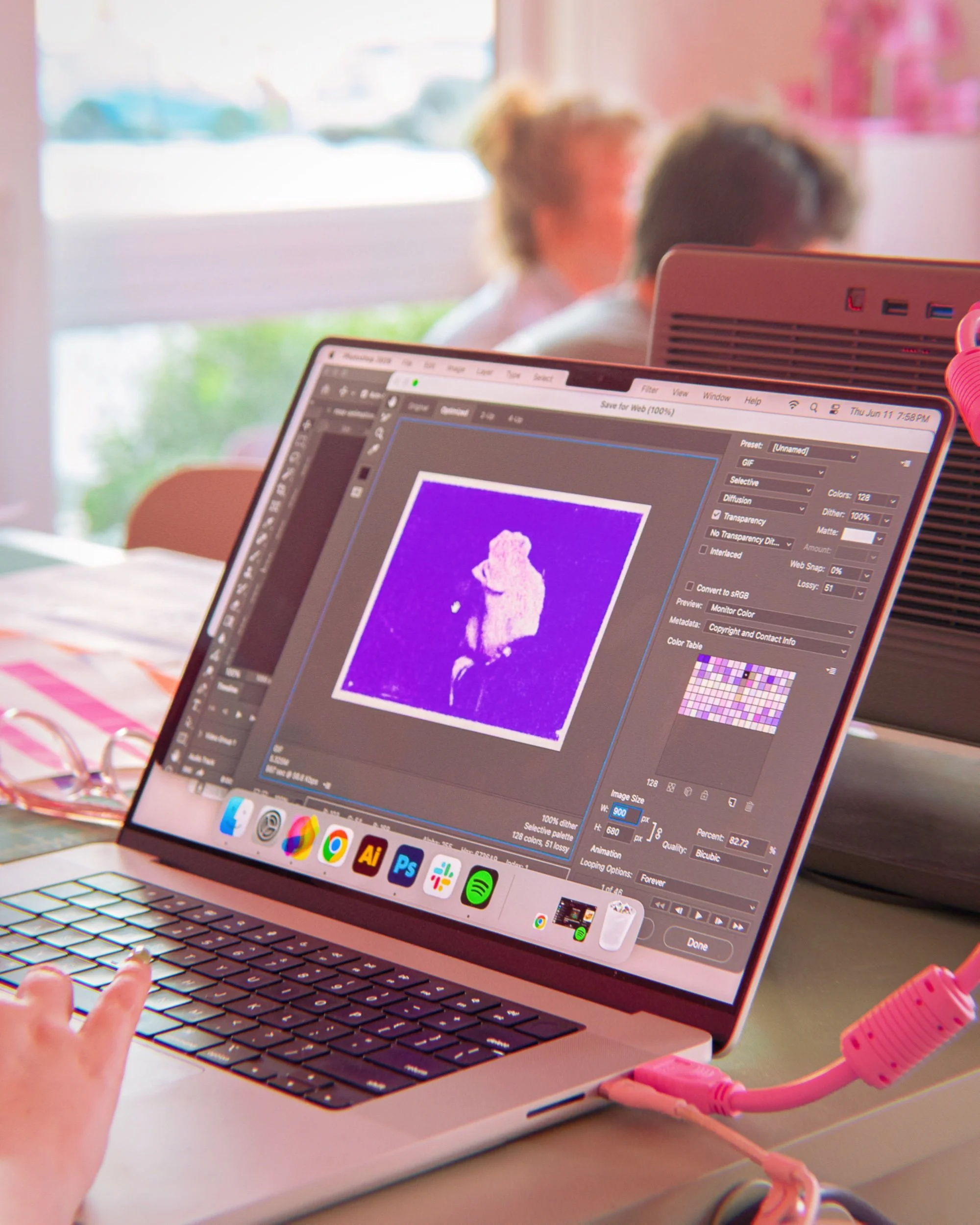
Join illustrator Cranity for a two-day workshop exploring how to create and prepare digital artwork for Risograph printing using Clip Studio Paint and Procreate.
Known for its vibrant inks, layered colors, and subtle imperfections, Risograph printing offers digital illustrators a distinctive way to translate their work into physical prints. This workshop is ideal for illustrators, cartoonists, comic and sequential artists, designers, and digital artists interested in expanding their work into print. During this workshop, you’ll learn how to draw Riso-ready illustrations, separate your artwork into printable color layers, and make intentional decisions about line art, texture, color mixing, and registration.
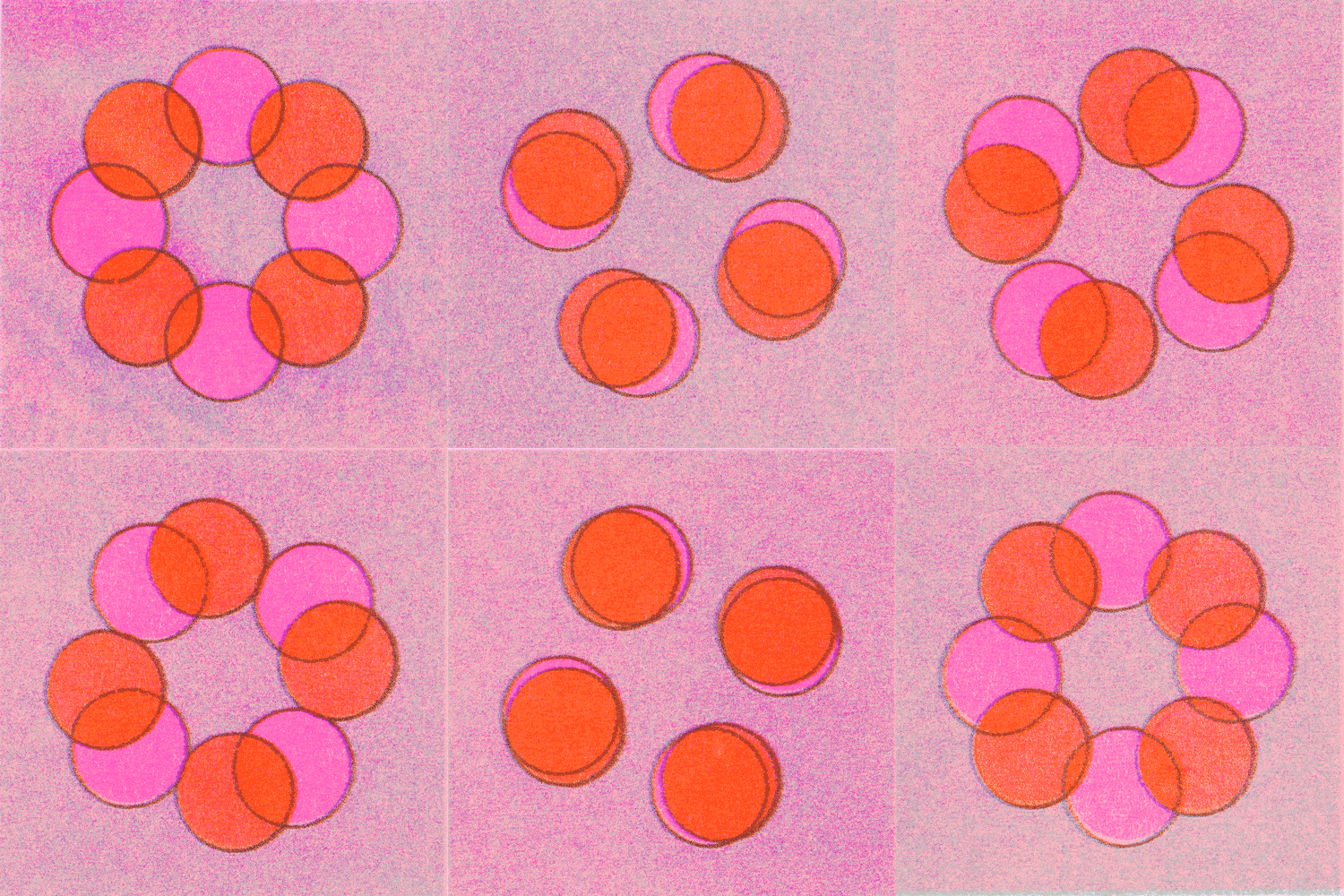
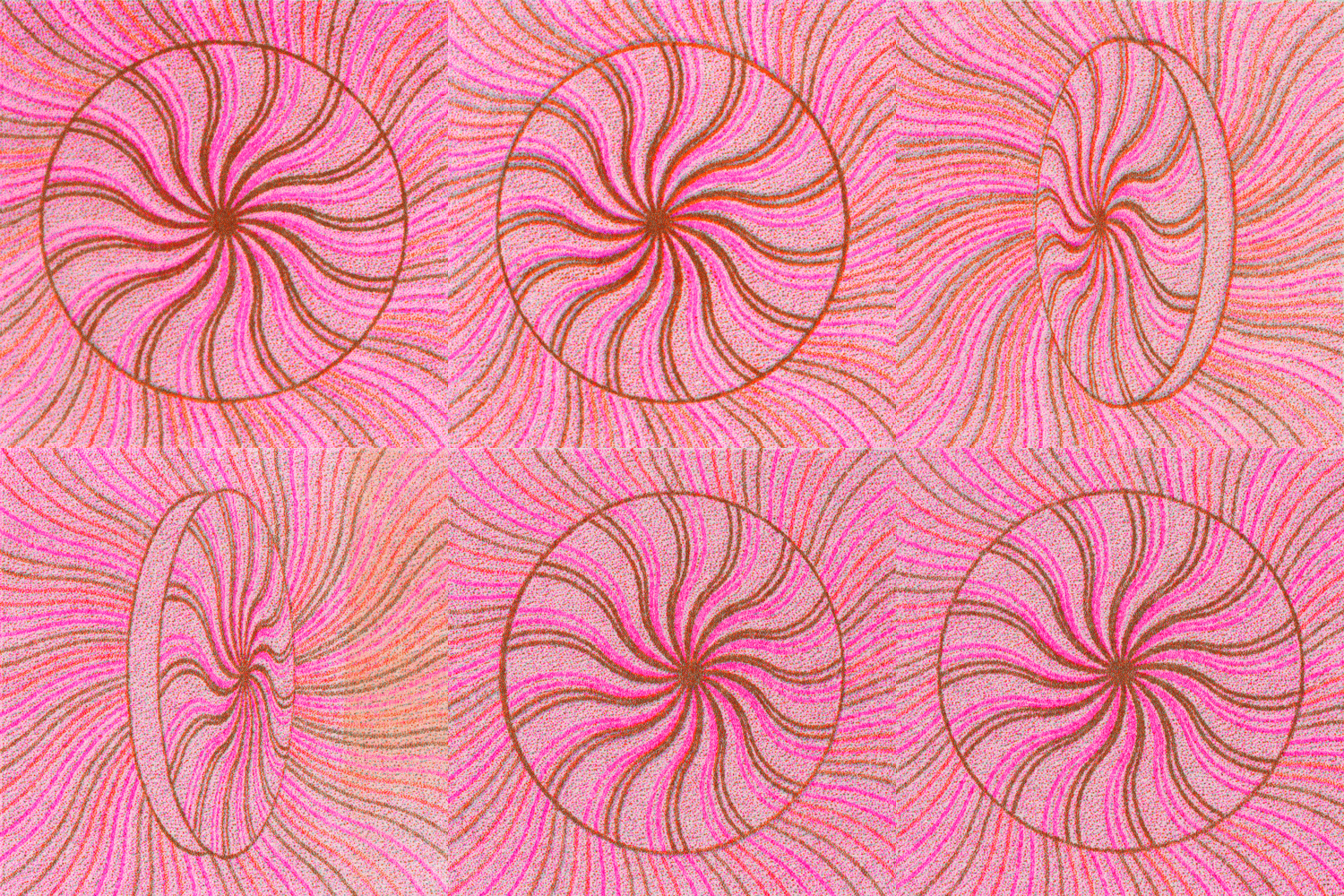
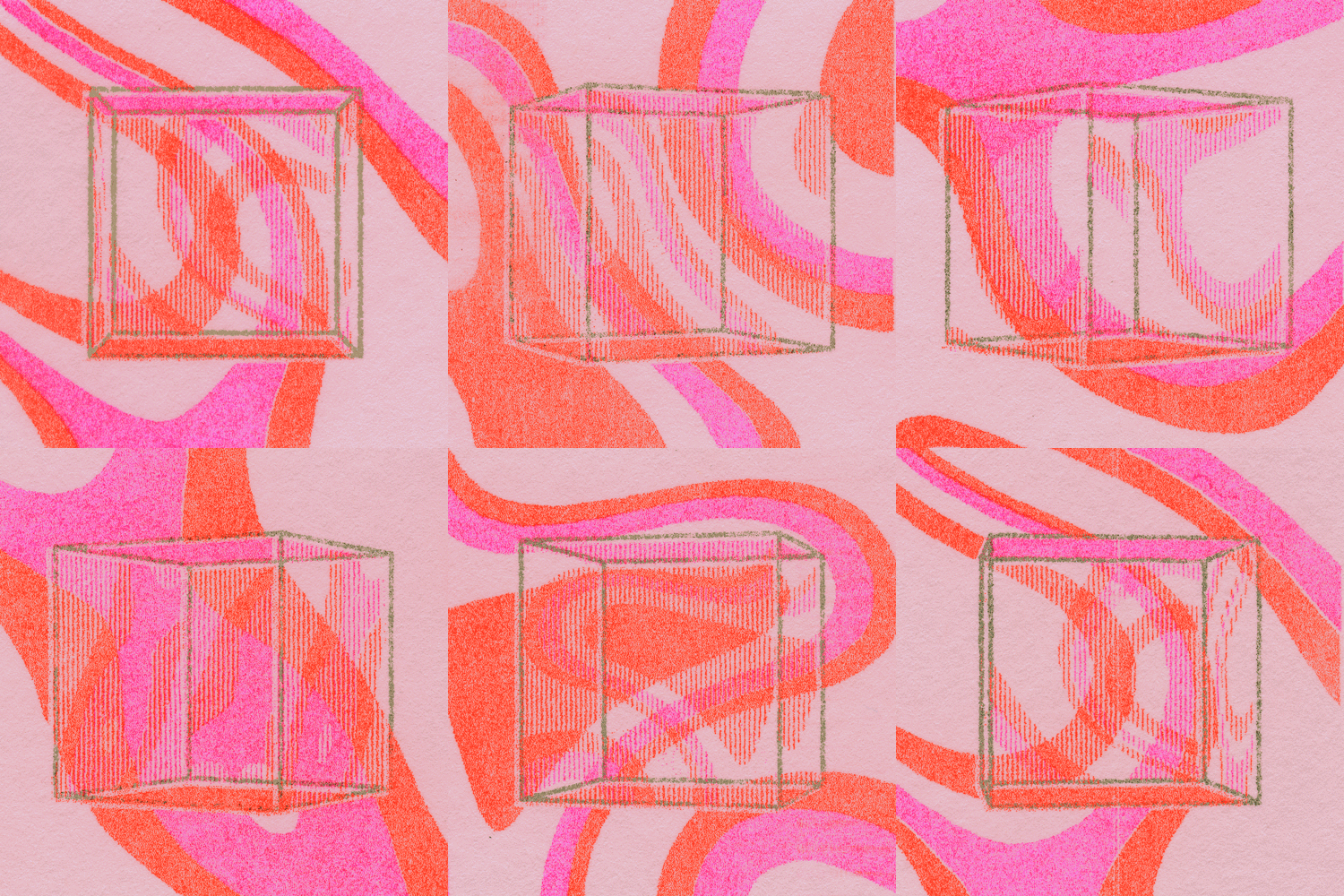
Cranity will demonstrate techniques in both Clip Studio Paint and Procreate, including how to organize line art, shading, texture, and color so that each element can be adjusted and printed independently. You’ll also explore how overlapping inks create new colors and how the natural shifts and imperfections of Riso printing can become part of your illustration.
Day One: Digital Illustration and File Preparation
The first session will focus on creating and preparing your artwork for Riso. Cranity will guide participants through:
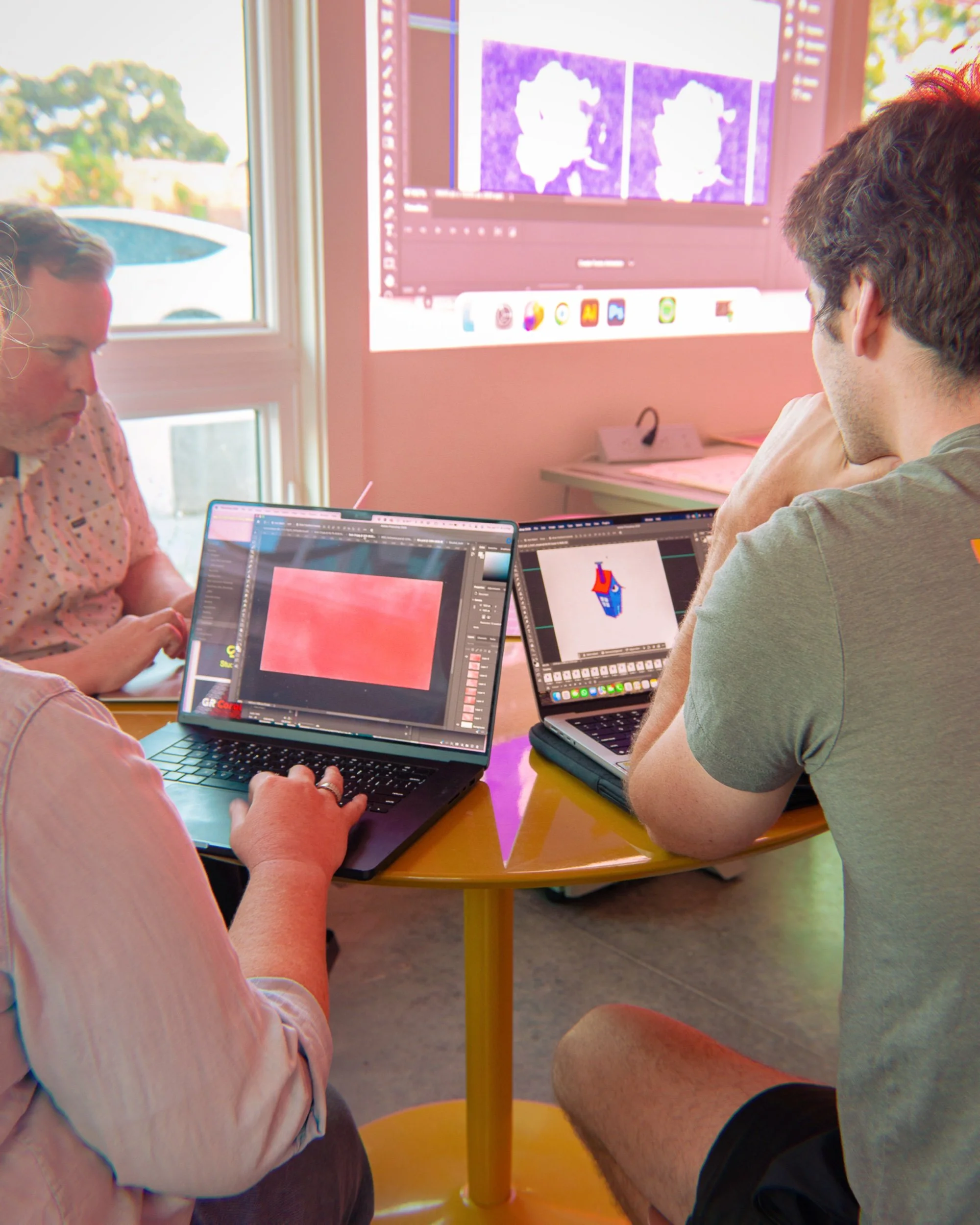
Setting up digital artwork in Clip Studio Paint or Procreate
Organizing line art, shading, texture, and color into separate layers
Preparing illustrations for two to four-color printing
Translating digital colors into Posy Press’s available Riso inks
Creating depth and additional colors through overlapping layers
Designing with Riso registration and natural imperfections in mind
Exporting properly separated files for printing
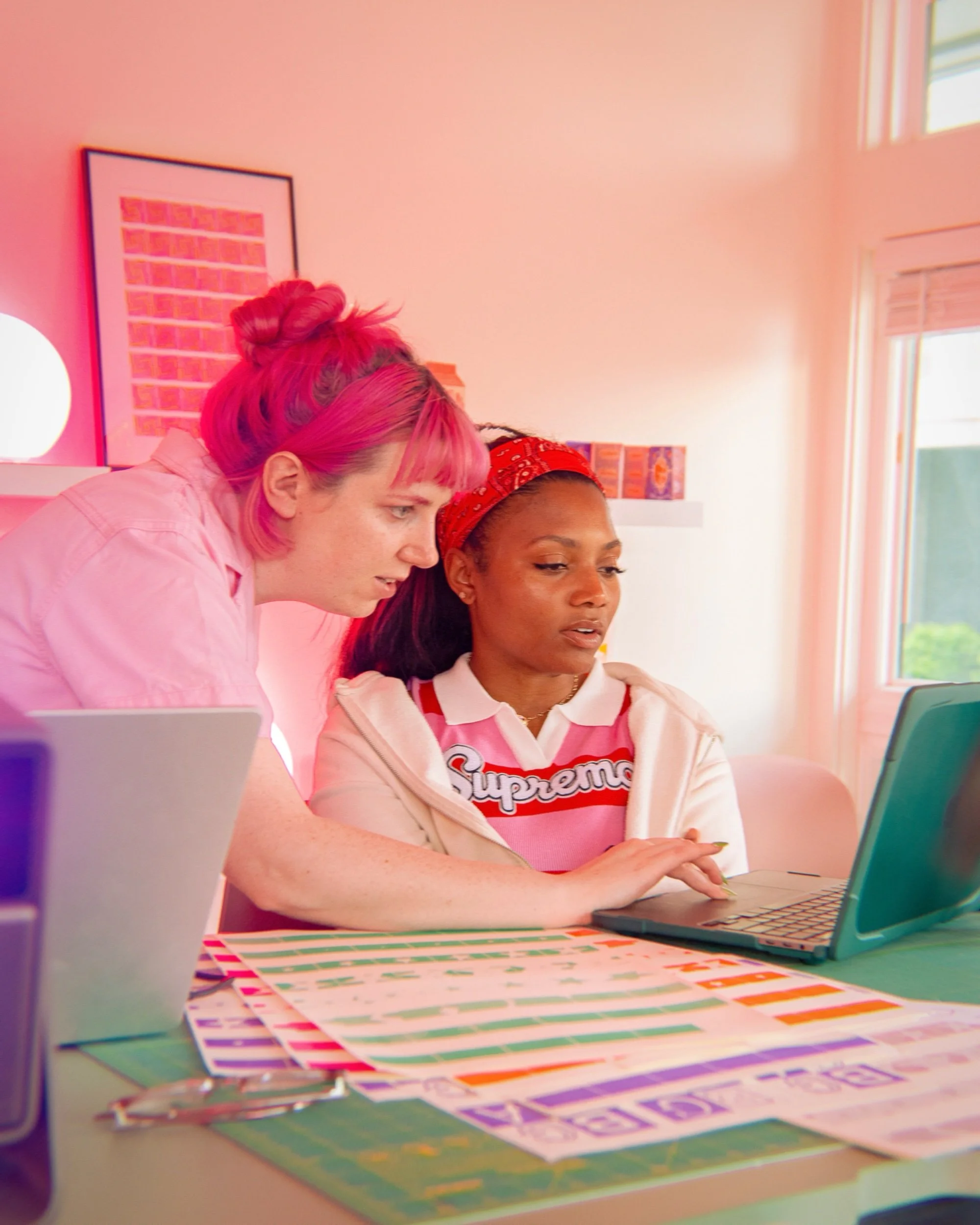
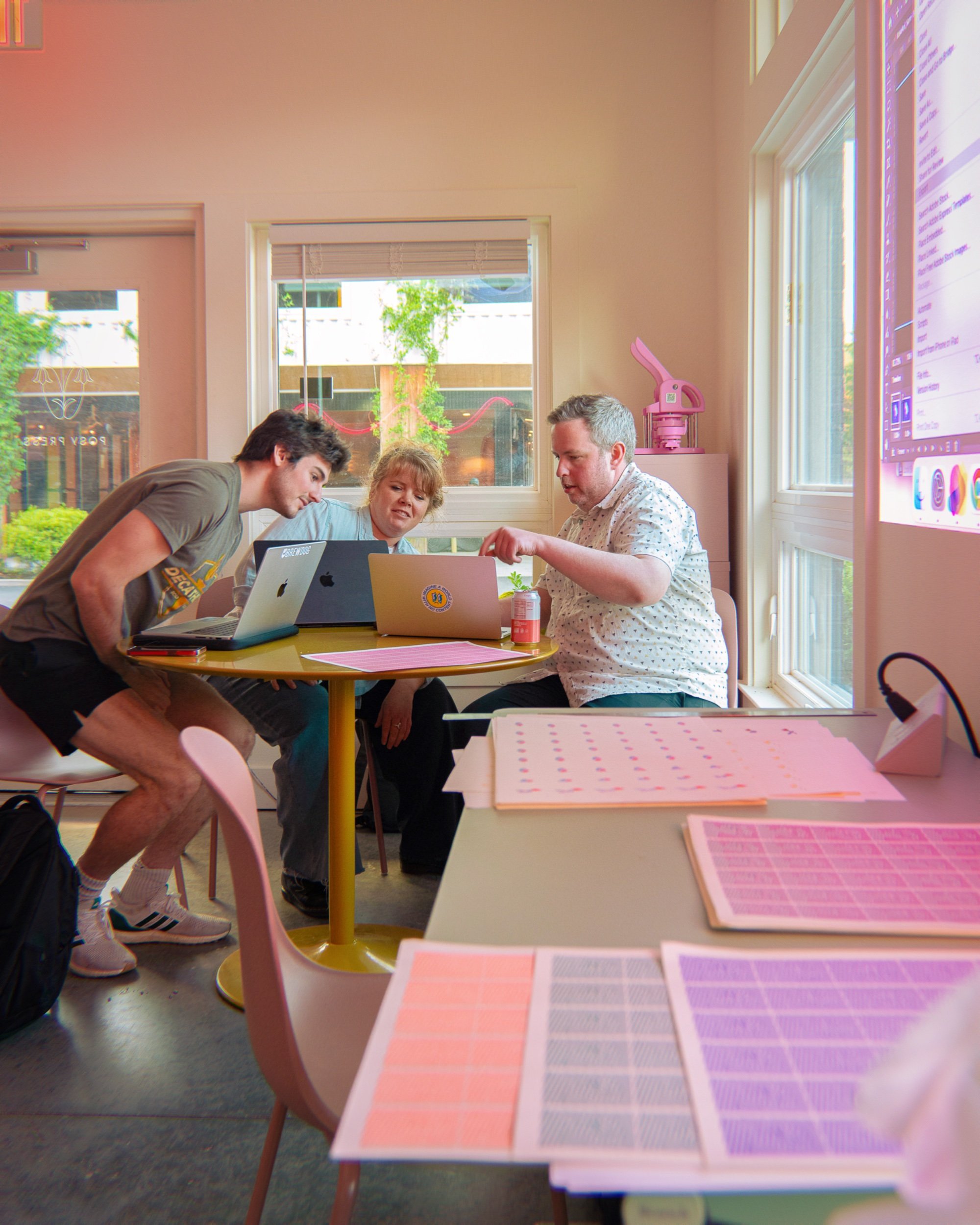
You’ll have time to work on your own illustration, receive feedback, and prepare your final files for print day.
Day Two: Riso Printing
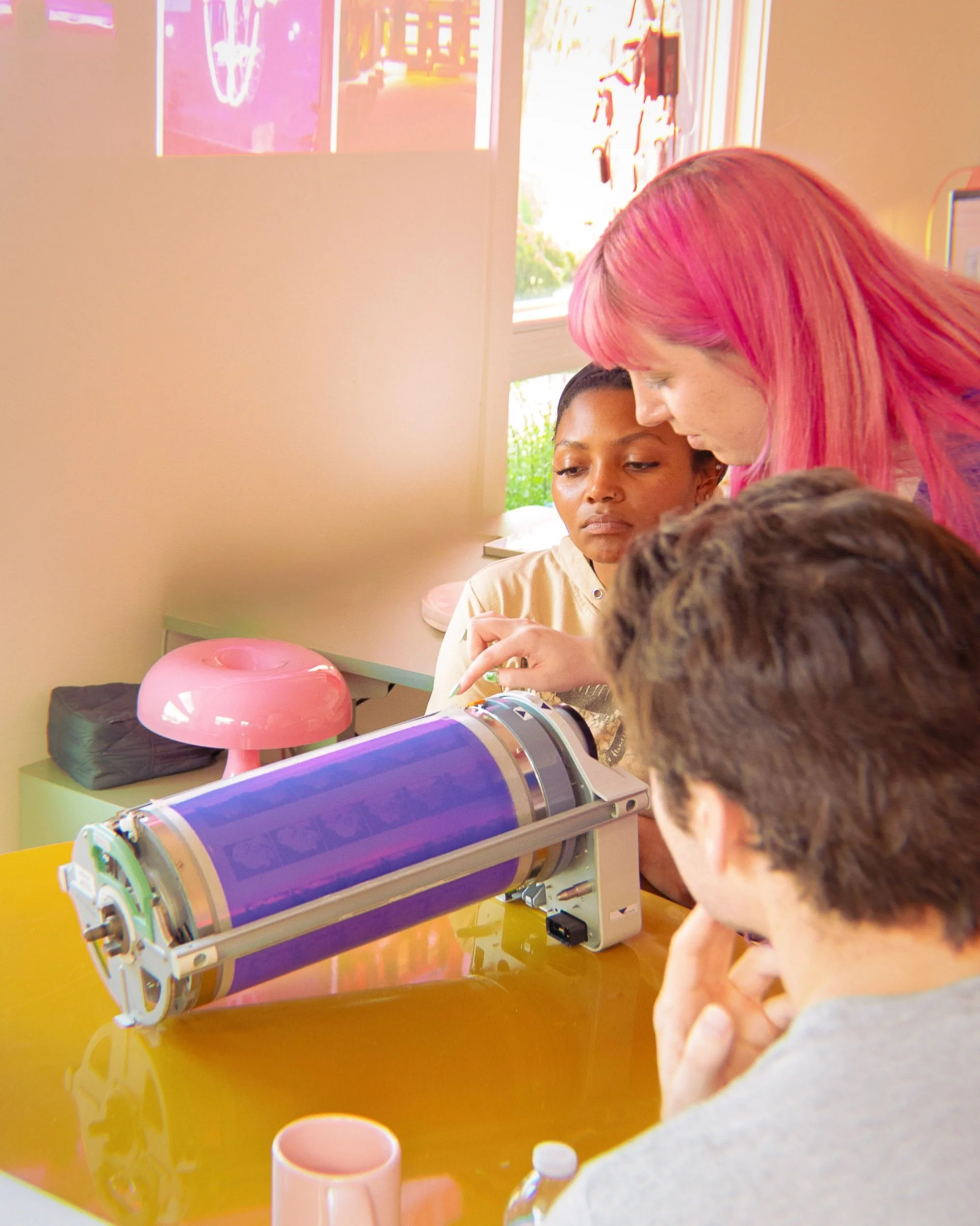
The second session will be dedicated to producing your final prints at Posy Press. You’ll take part in the printing process, experiment with test prints, and make adjustments to your files or ink choices before producing a small edition of your finished illustration on premium French Paper.
Participants will leave with hands-on experience preparing digital illustrations for Risograph printing and an edition of their own two to four-color print.
This workshop is ideal for illustrators, cartoonists, comic and sequential artists, designers, and digital artists interested in expanding their work into print.
Requirements
An iPad or drawing tablet and computer
Access to either Clip Studio Paint or Procreate
One or more digital illustrations or works in progress to develop during class
Beginner-level comfort drawing and working with layers in your chosen program
Prior Risograph or color-separation experience is not required. Participants only need a beginner-level understanding of Clip Studio Paint or Procreate and should be comfortable creating artwork and organizing it into layers.
Cranity, AKA Roxy Urquiza Flores, is an Illustrator that works as a commercial merchandise designer during the day, and as a printmaker during all other hours she can find. She has gone on to work for clients such as IDW, Team Liquid, and Raw Fury; creating Illustrations for the Teenage Mutant Ninja Turtles and Five Nights at Freddie’s. She graduated from SCAD in 2021 with a BFA in Illustration. She took to screen-printing from an early age, but during a period of time where she had no access to a studio, turned to riso. She acquired her own machine in 2021 and has worked on countless prints and zines since.
Dates: Tuesday and Thursday, August 18 and 20
Time: 6:00–9:00 PM
Location: Posy Press at the Goat Farm Arts Center
Join illustrator Cranity for a two-day workshop exploring how to create and prepare digital artwork for Risograph printing using Clip Studio Paint and Procreate.
Known for its vibrant inks, layered colors, and subtle imperfections, Risograph printing offers digital illustrators a distinctive way to translate their work into physical prints. This workshop is ideal for illustrators, cartoonists, comic and sequential artists, designers, and digital artists interested in expanding their work into print. During this workshop, you’ll learn how to draw Riso-ready illustrations, separate your artwork into printable color layers, and make intentional decisions about line art, texture, color mixing, and registration.
Cranity will demonstrate techniques in both Clip Studio Paint and Procreate, including how to organize line art, shading, texture, and color so that each element can be adjusted and printed independently. You’ll also explore how overlapping inks create new colors and how the natural shifts and imperfections of Riso printing can become part of your illustration.
Day One: Digital Illustration and File Preparation
The first session will focus on creating and preparing your artwork for Riso. Cranity will guide participants through:
Setting up digital artwork in Clip Studio Paint or Procreate
Organizing line art, shading, texture, and color into separate layers
Preparing illustrations for two to four-color printing
Translating digital colors into Posy Press’s available Riso inks
Creating depth and additional colors through overlapping layers
Designing with Riso registration and natural imperfections in mind
Exporting properly separated files for printing
You’ll have time to work on your own illustration, receive feedback, and prepare your final files for print day.
Day Two: Riso Printing
The second session will be dedicated to producing your final prints at Posy Press. You’ll take part in the printing process, experiment with test prints, and make adjustments to your files or ink choices before producing a small edition of your finished illustration on premium French Paper.
Participants will leave with hands-on experience preparing digital illustrations for Risograph printing and an edition of their own two to four-color print.
This workshop is ideal for illustrators, cartoonists, comic and sequential artists, designers, and digital artists interested in expanding their work into print.
Requirements
An iPad or drawing tablet and computer
Access to either Clip Studio Paint or Procreate
One or more digital illustrations or works in progress to develop during class
Beginner-level comfort drawing and working with layers in your chosen program
Prior Risograph or color-separation experience is not required. Participants only need a beginner-level understanding of Clip Studio Paint or Procreate and should be comfortable creating artwork and organizing it into layers.
Cranity, AKA Roxy Urquiza Flores, is an Illustrator that works as a commercial merchandise designer during the day, and as a printmaker during all other hours she can find. She has gone on to work for clients such as IDW, Team Liquid, and Raw Fury; creating Illustrations for the Teenage Mutant Ninja Turtles and Five Nights at Freddie’s. She graduated from SCAD in 2021 with a BFA in Illustration. She took to screen-printing from an early age, but during a period of time where she had no access to a studio, turned to riso. She acquired her own machine in 2021 and has worked on countless prints and zines since.
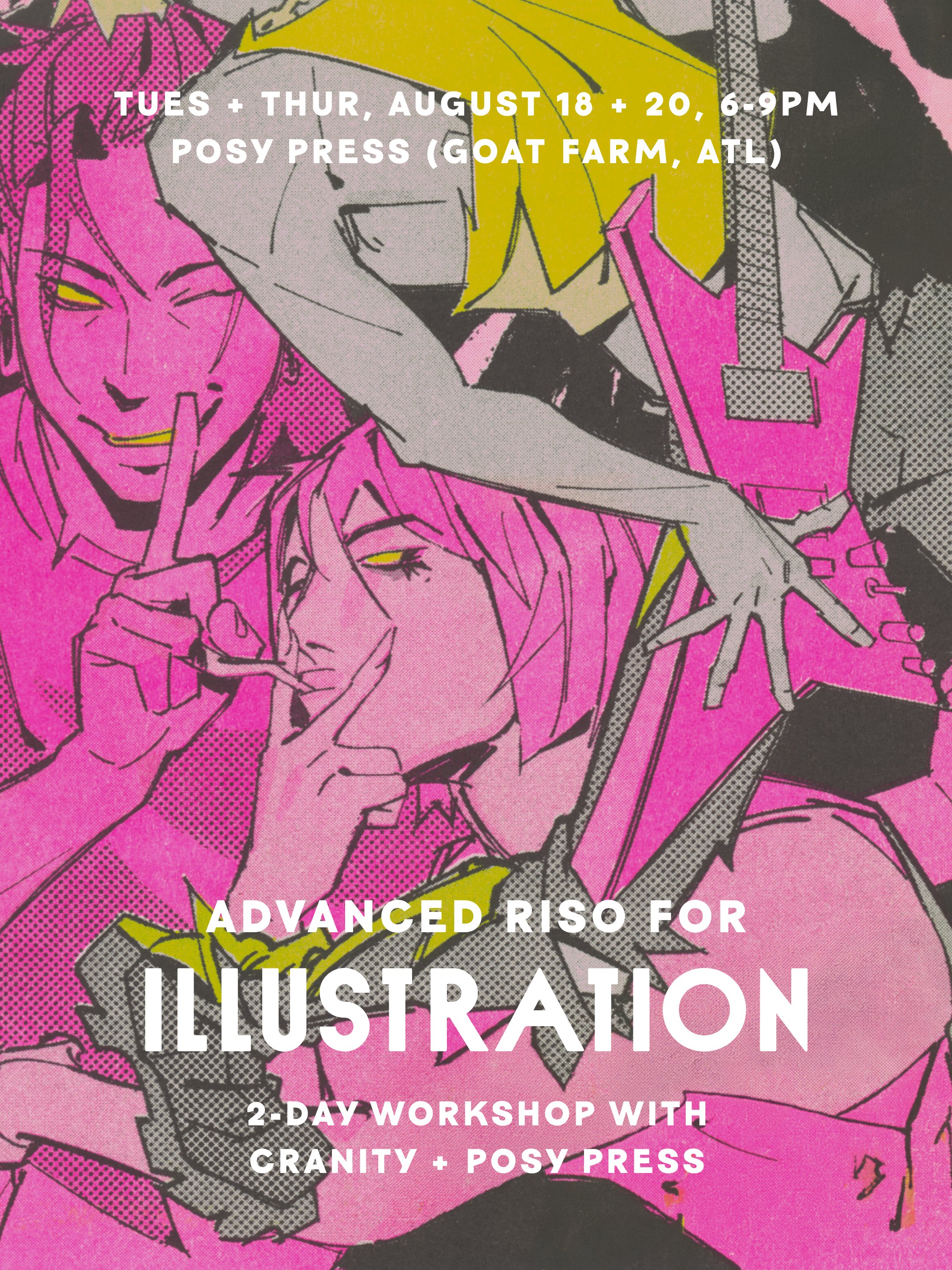 Image 1 of 6
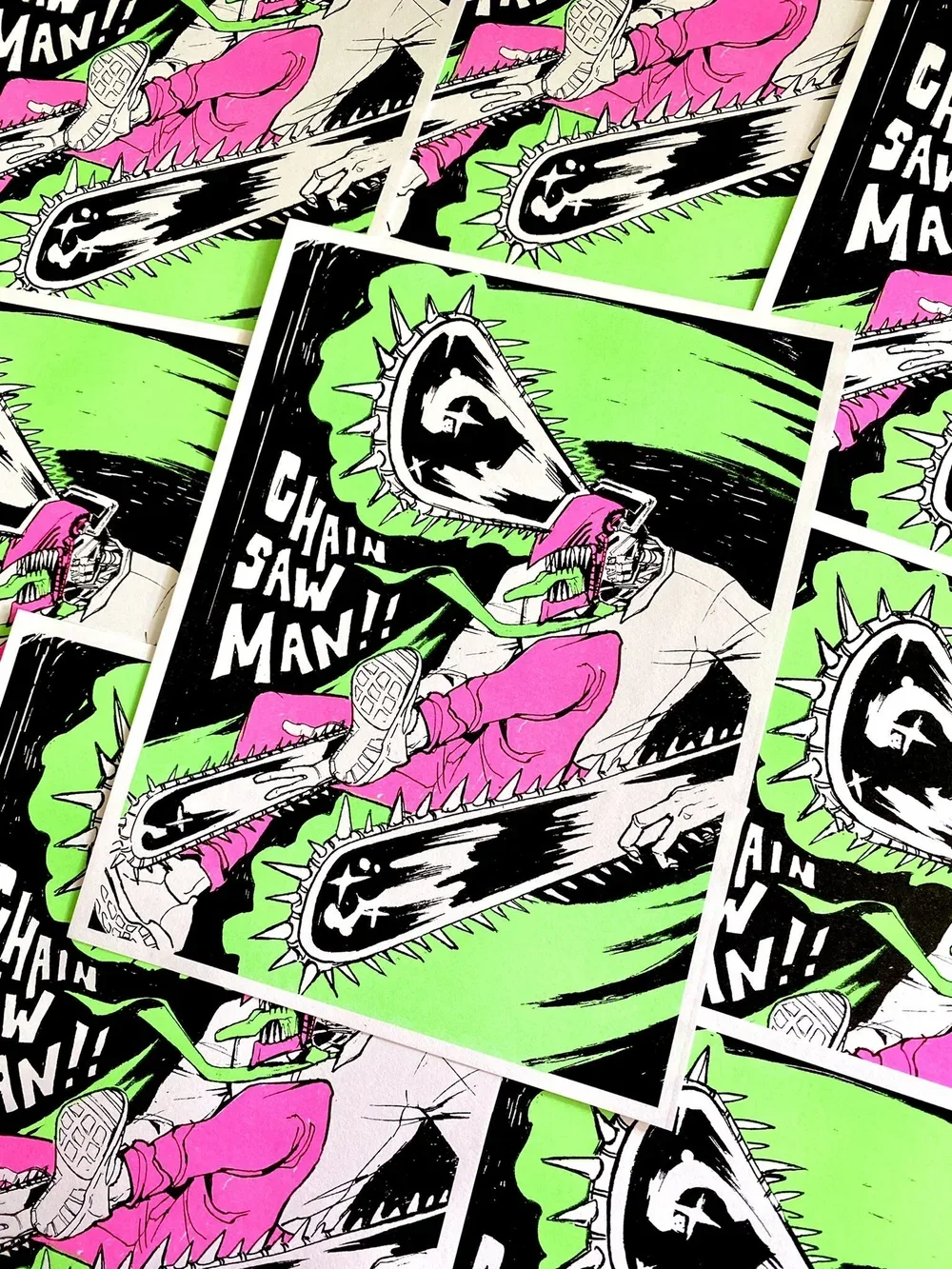 Image 2 of 6
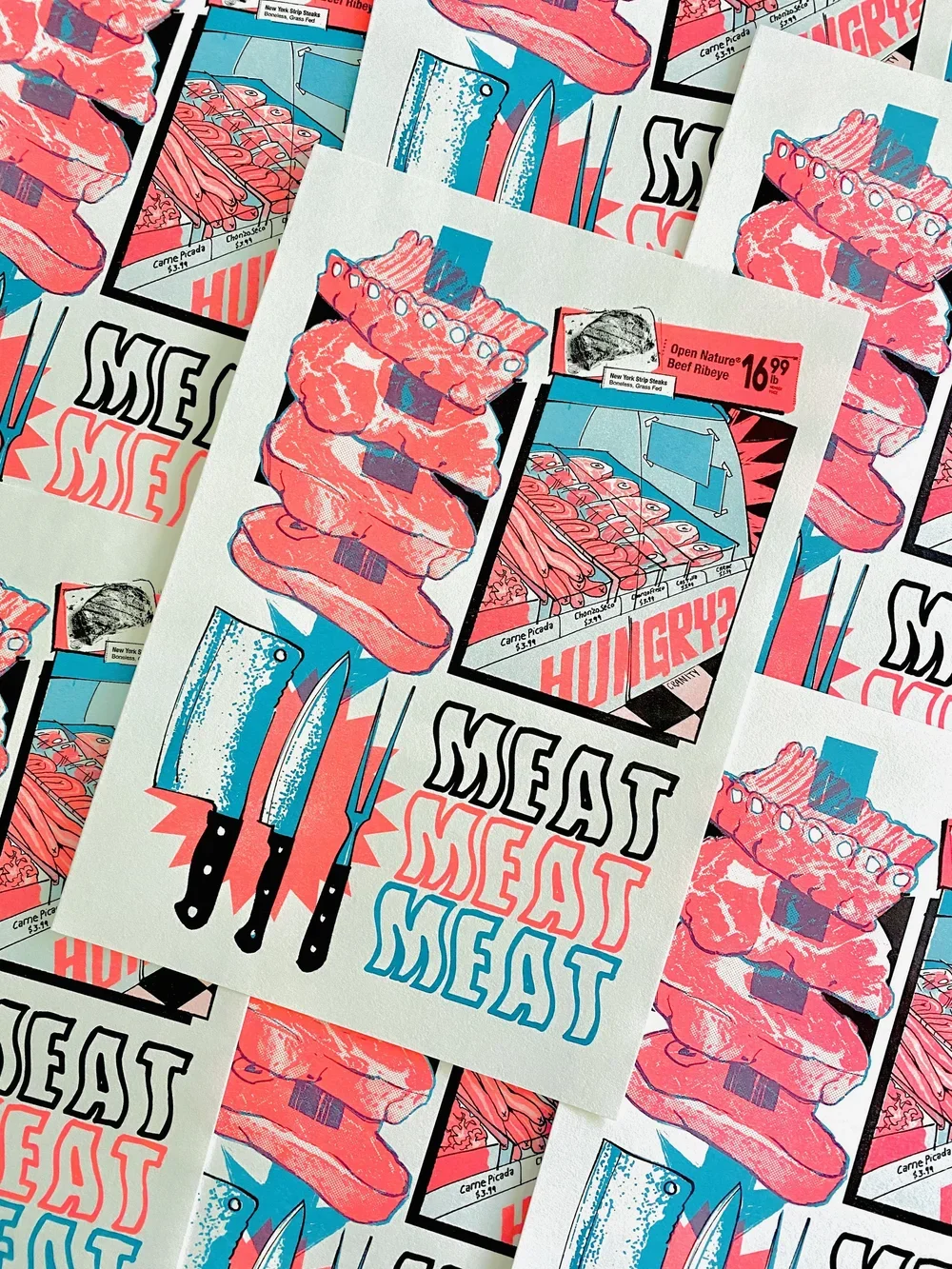 Image 3 of 6
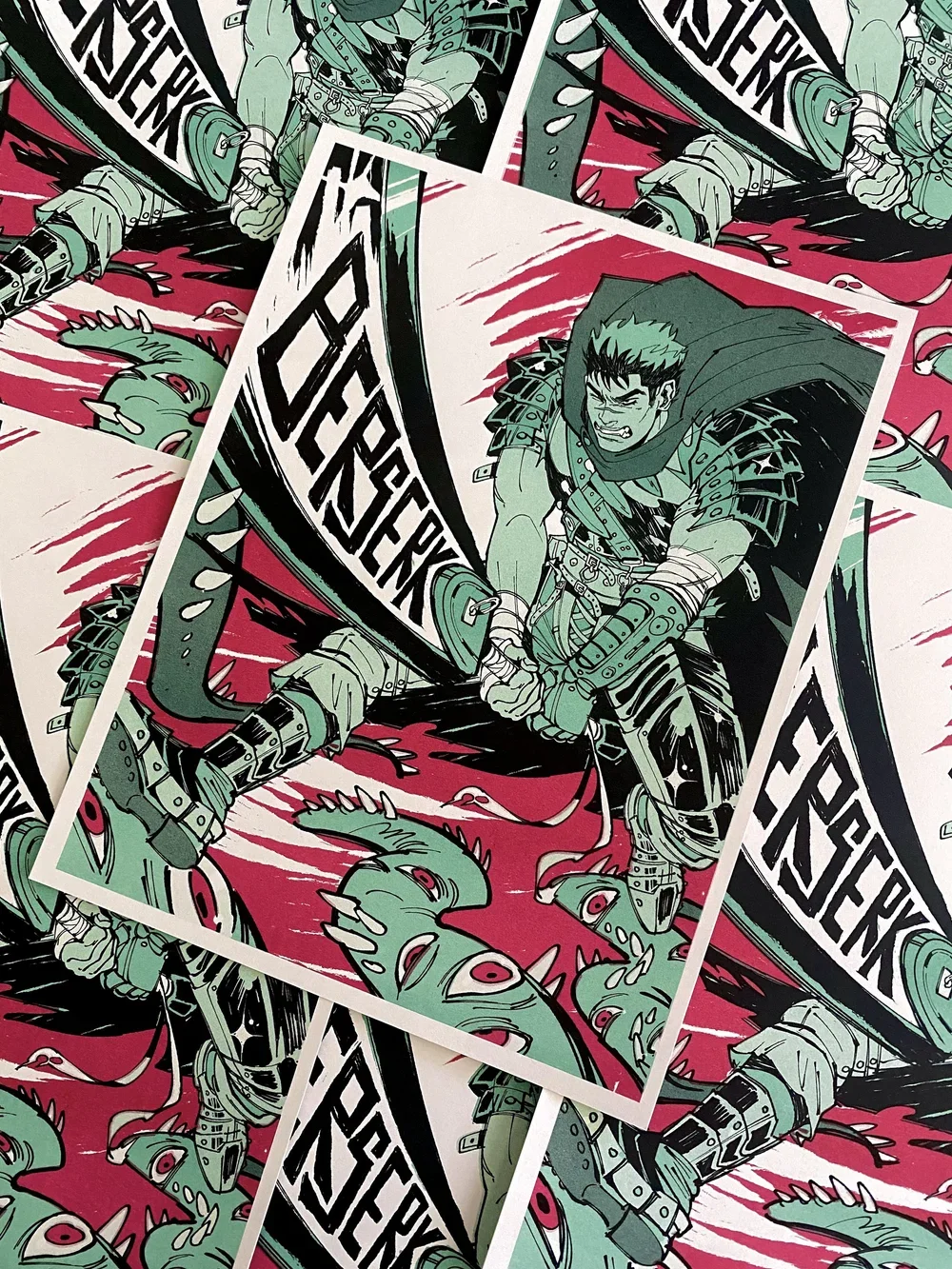 Image 4 of 6
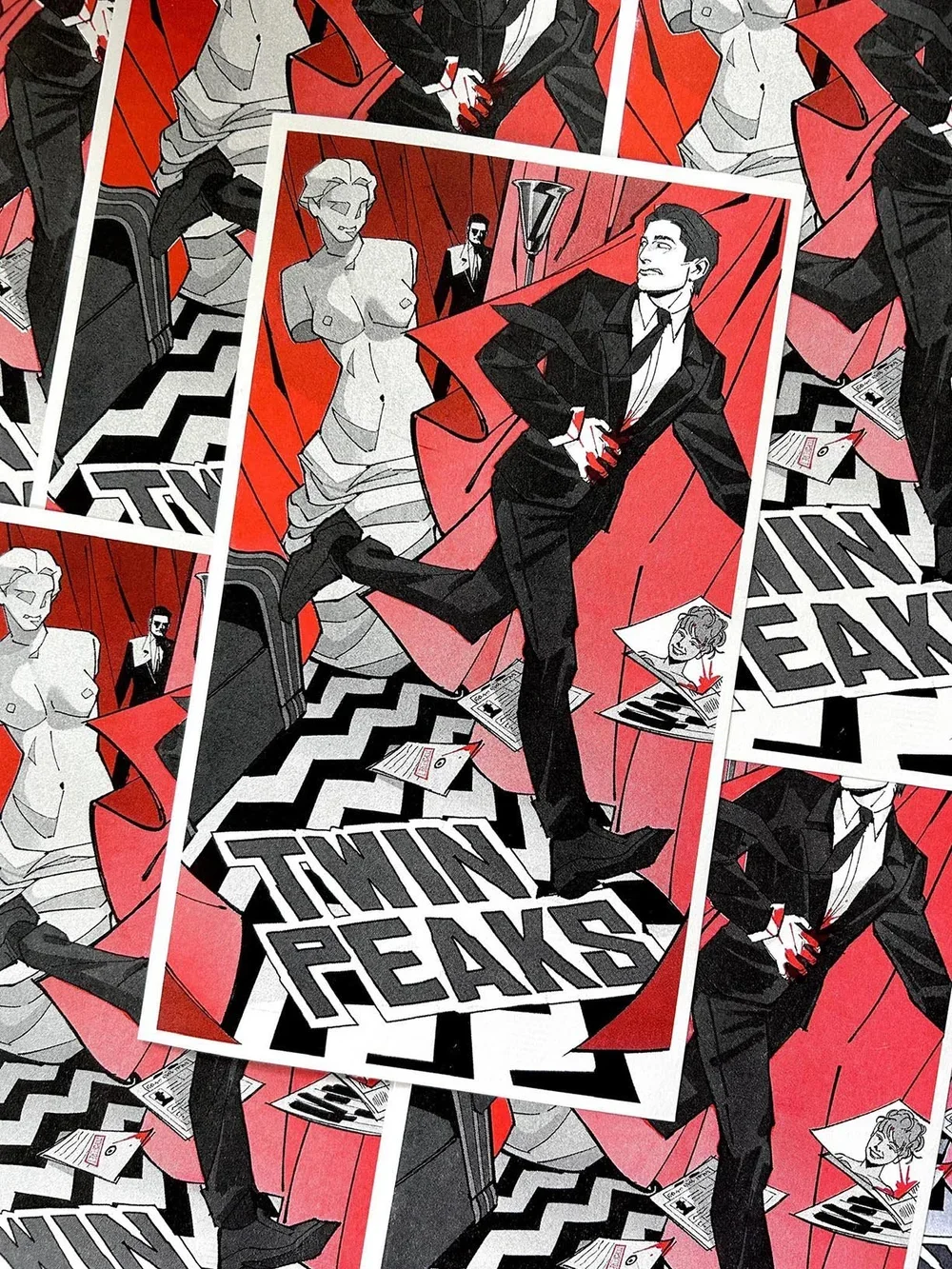 Image 5 of 6
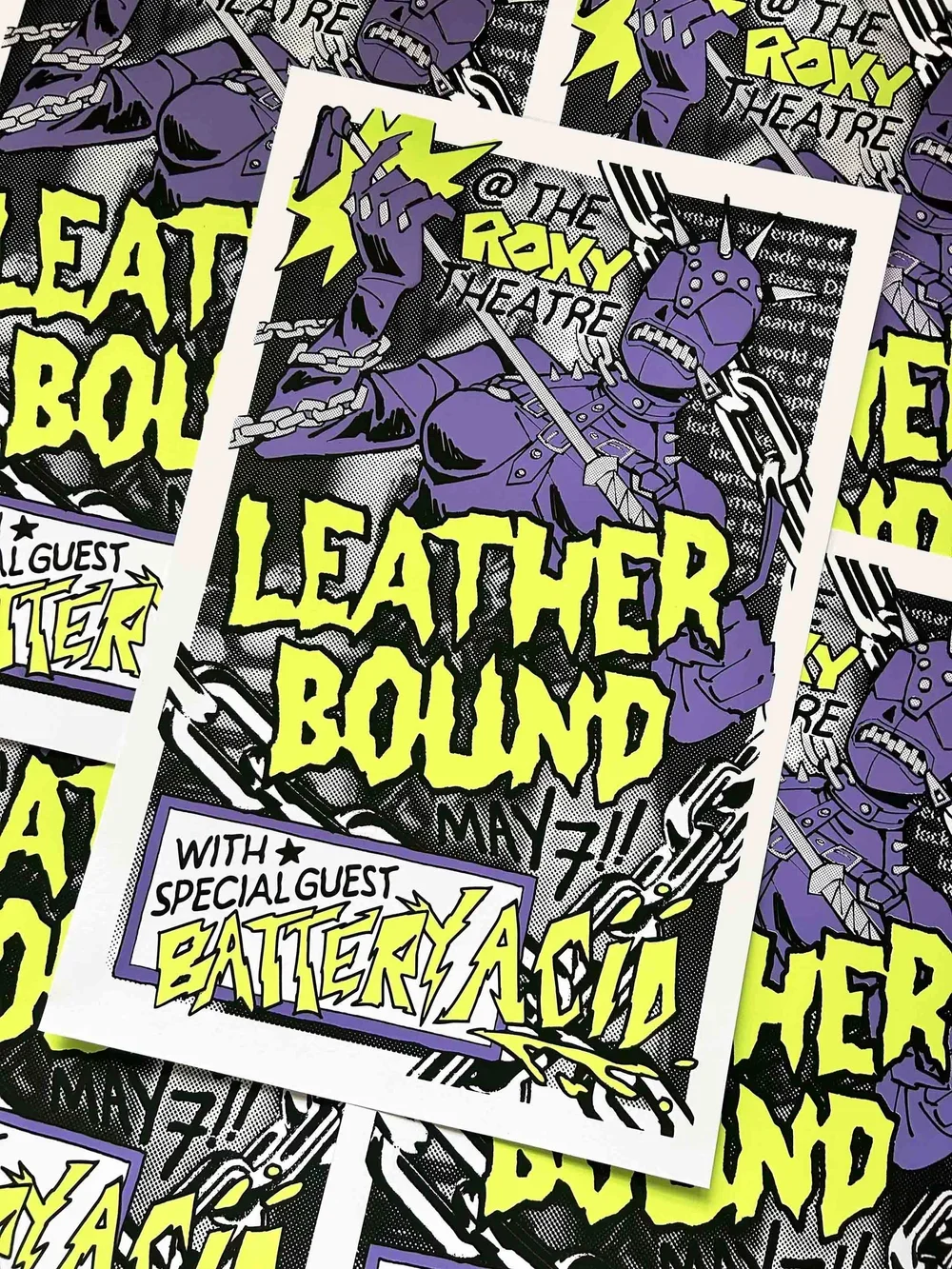 Image 6 of 6